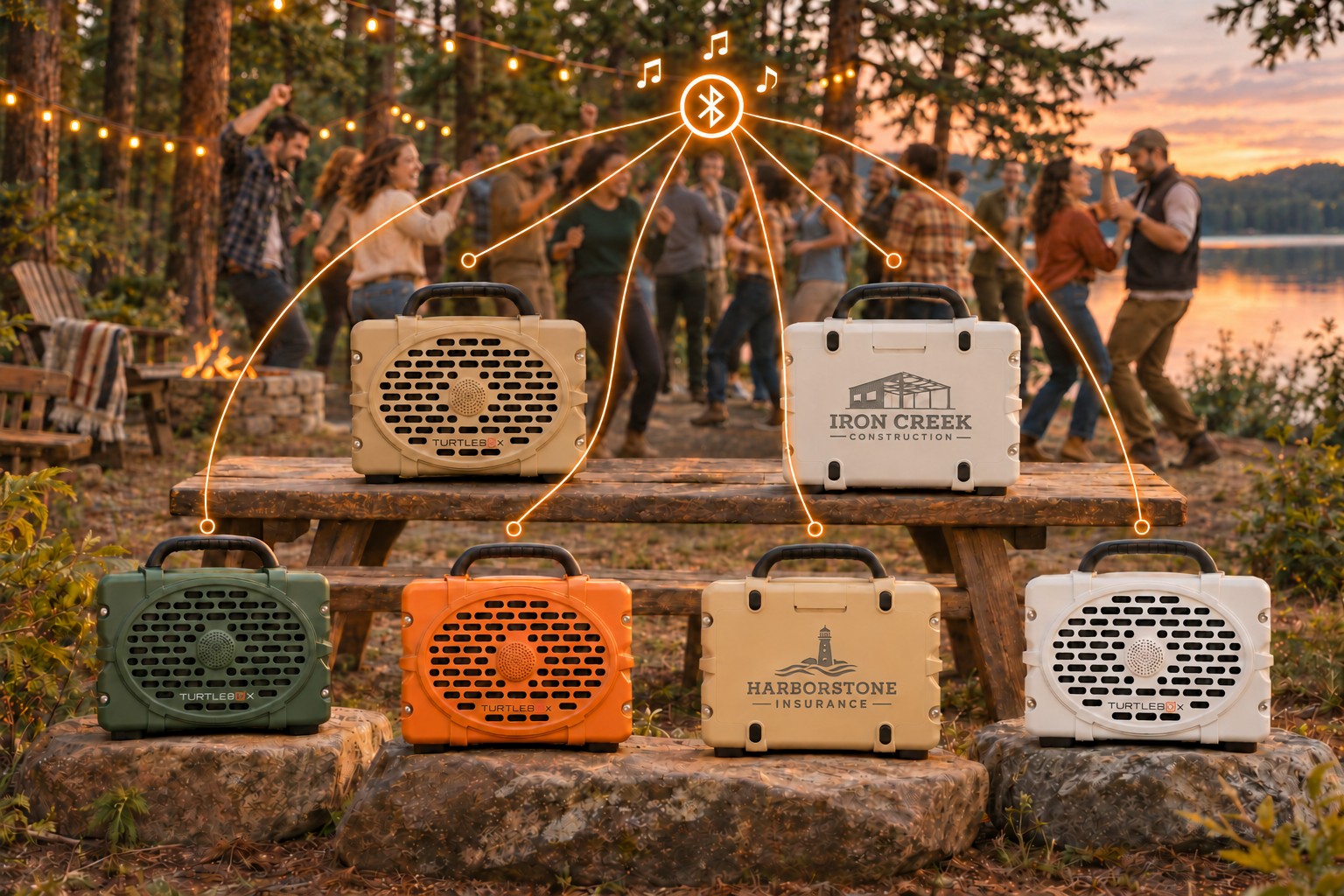
Everybody gets the same soundtrack.
The best part of a group getaway is the time nobody scheduled: the impromptu dance floor, the last hour at the campsite, the evening when everyone sticks around. A shared playlist helps set that mood. Party Mode lets you bring compatible Turtleboxes into the same music group.
Our six-speaker illustration is an idea for a gathering, not a prescription. Start with the number your space actually needs. The goal is comfortable listening where people gather, with room to talk and a quieter place to step away.
Start with the right speakers.
Turtlebox’s pairing instructions support two or more Rangers, Cubs, Original Gen 3s, and Grandes, including mixed groups. Identify the model and generation before friends pack their speakers.
How to set up Party Mode.
- Choose the primary speaker. Turn it on and pair your phone or music device to it over Bluetooth.
- Start the group. Tap its Party Mode button—the four dots joined by an X. Press once; do not hold.
- Power on the other speakers. Press their Bluetooth buttons to disconnect other source devices.
- Join each one. Tap Party Mode once on every secondary speaker.
- Check the confirmation. Secondary speakers sound a connection tone; their other button lights turn off while Party Mode stays lit.
If a connected secondary is initially silent, Turtlebox says to tap Party Mode to disconnect it, then tap again to re-pair. Follow the manufacturer’s pairing guide and video.
Do a sound check before the first guest arrives.
Charge everything beforehand and label speakers so friends take home the right ones. Choose one person to handle the music device. Keep that device with the setup instead of sending it off with someone who is walking down the trail.
Test from the actual listening spots, using the playlist you plan to play. Walk the area and adjust placement and volume for conversation as well as dancing. Bring a downloaded playlist if your music service supports it, so an unreliable cellular connection does not interrupt the source.
For an important event, rehearse adding and removing a speaker, changing the music, and ending the session. Leave time to consult the exact model’s controls rather than discovering them with a crowd waiting.
When Party Mode makes sense.
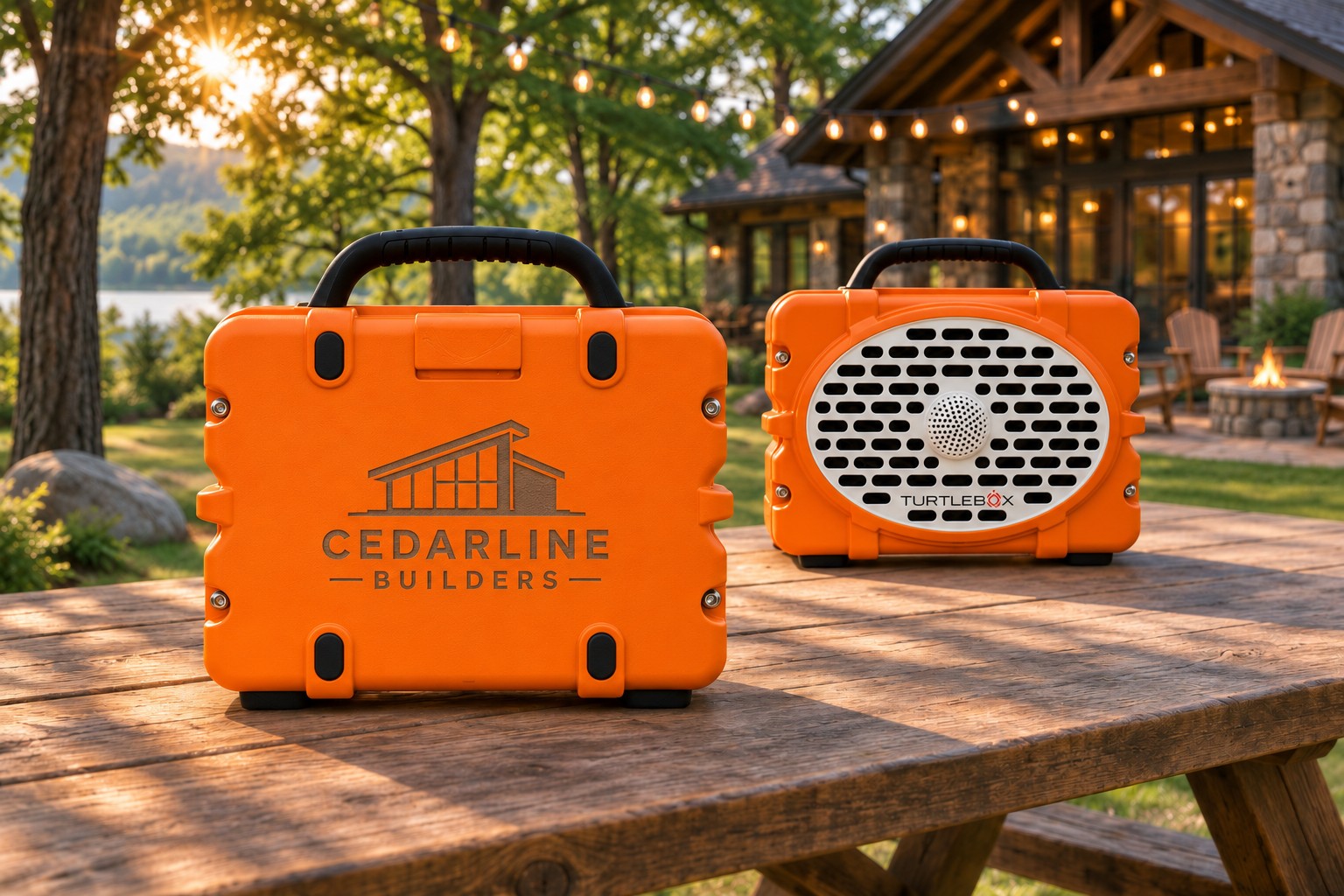
Company retreats
Plan a shared outdoor evening after the day’s activities. Put a speaker near the gathering area and another where the group naturally spreads out, then test the arrangement. Keep a conversation area quiet. If the speakers are also recognition gifts, present them with a note explaining the milestone behind the gift.
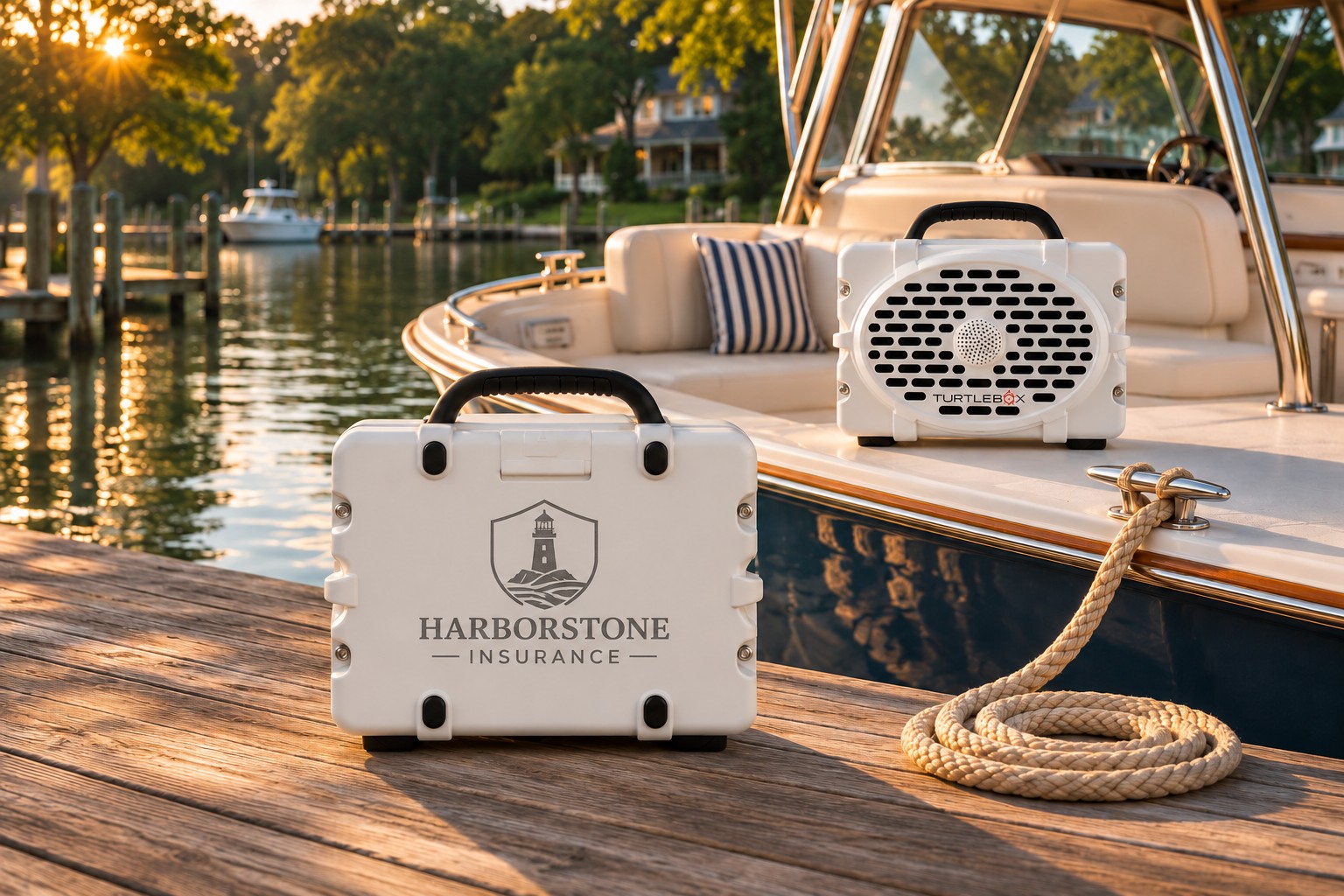
A day at the lake
Friends with compatible speakers can share the soundtrack while gathered at a dock or shore. Test any boat arrangement while safely stationary. Do not rely on a connection between moving boats or across open water. Secure speakers away from edges, walkways, and spray.
Campsites and outdoor celebrations
Set up within your own gathering area and check the venue’s quiet hours. Multiple speakers should help distribute music thoughtfully; they are not an invitation to fill the whole campground. A small setup can be the better fit.
Range, stereo, and realistic expectations.
The connecting lines in our image show one shared playlist. They do not mean each speaker extends a guaranteed mesh network, and they are not a measured coverage map. Test distance and obstacles at your location; move speakers closer if playback becomes unreliable.
Party Mode is the group-listening choice. A supported two-speaker stereo setup assigns left and right channels instead. Follow your model’s stereo instructions if that is your aim. Do not assume that a similarly named linking feature from another brand joins a Turtlebox group.
If the music stops, check in this order.
- Check the source: is the phone still playing, charged, and connected to the primary speaker? Try locally stored music to separate a streaming problem from a speaker problem.
- Check the model: make sure every speaker belongs to the supported group and that an older generation has not slipped into the lineup.
- Check other connections: a friend’s phone may still be connected to a secondary speaker. Repeat the manufacturer’s setup steps.
- Check placement: bring the setup together for a test, then move outward gradually. Change one thing at a time.
- Still stuck? Follow Turtlebox’s support guidance for your exact model. Keep a simpler, tested setup ready for the event.
Keep the party on dry ground.
Close the required port covers and do not charge wet speakers. The Ranger does not float; do not treat water resistance as a recovery plan. Read our guide to accidental lake drops before a boat day.
Choosing company gifts for your next gathering? Explore custom Turtlebox speakers at Executive Advertising.
Back to top ↑